
WP Popular Posts
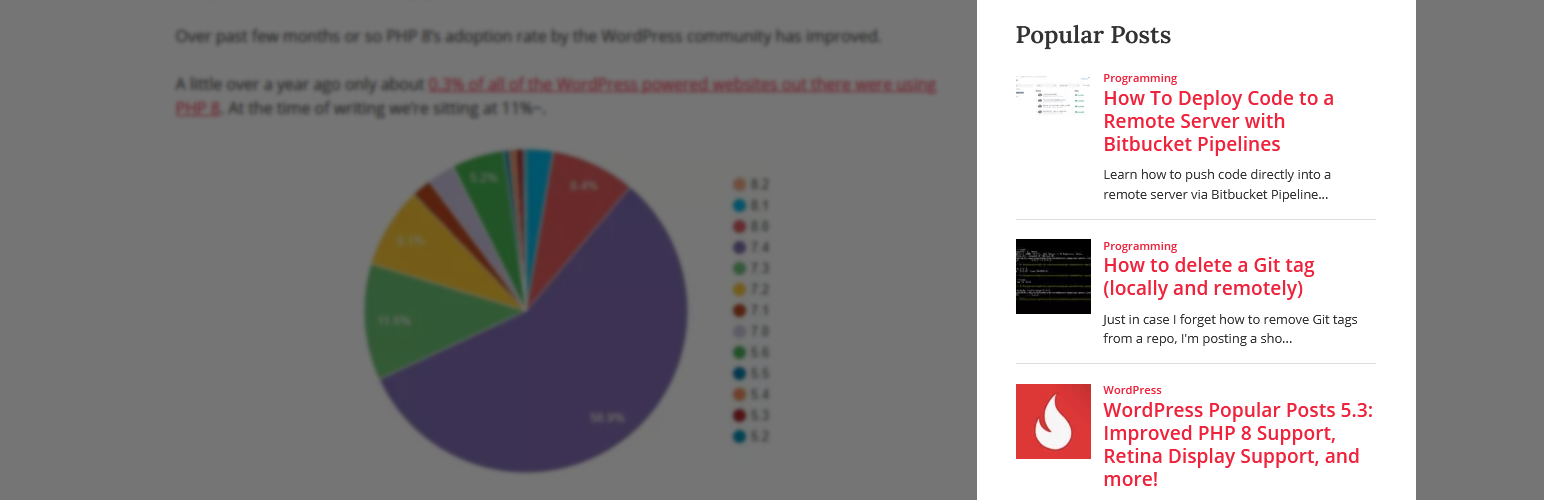
WP Popular Posts is a highly customizable plugin that displays your most popular posts.
PSA: Plugin has been renamed as WP Popular Posts!
See the announcement for more details.
Haupt-Funktionen
- Multiple Popular Posts Lists – You can have several Popular Posts lists on your blog, each with its own settings!
- Zeitraum – Liste die Beiträge deines Blogs auf, die innerhalb eines bestimmten Zeitraums am populärsten waren, auf (z. B. die letzten 24 Stunden, die letzten 7 Tage, die letzten 30 Tage, usw.)!
- Custom Post-type support – Want to show other stuff than just posts and pages, eg. Popular Products? You can!
- Thumbnails! – Display a thumbnail of your posts! (see the FAQ section for more details.)
- Statistik-Dashboard – Schau direkt in deinem Admin-Bereich nach deinen populären Beiträgen.
- Sortieroptionen – Sortiere deine Liste populärer Beiträge nach der Anzahl der Kommentare, Aufrufe (standard), oder der durchschnittlichen Aufrufe am Tag!
- Custom themes – Out of the box, WP Popular Posts includes some themes so you can style your popular posts list (see Widget Themes for more details).
- Use your own layout! – WPP is flexible enough to let you customize the look and feel of your popular posts! (see customizing WPP’s HTML markup and How to style WP Popular Posts for more.)
- Performance Tools! – WP Popular Posts includes a few options to make sure your site’s performance stays as good as ever! (see Performance for more details.)
- REST API support – Embed your popular posts in your (web) app! (see REST API Endpoints for more.)
- Elementor support – Are you building sites with Elementor? There’s a popular posts widget for it too!
- Unterstützung für Disqus – Sortiere deine populären Beiträge nach der Anzahl der Kommentare bei Disqus!
- Unterstützt Polylang und WPML 3.2+ – Stelle die übersetzte Version deiner populären Beitrage dar!
- WordPress Multisite support – Each site on the network can have its own popular posts list!
Andere Funktionen
- Shortcode support – Use the [wpp] shortcode to showcase your most popular posts on pages, too! For usage and instructions, please refer to the Installation section.
- Template tags – Don’t feel like using blocks? No problem! You can still embed your most popular entries on your theme using the
wpp_get_mostpopular()template tag. Additionally, thewpp_get_views()template tag allows you to retrieve the views count for a particular post. For usage and instructions, please refer to the Installation section. - Localization – Translate WPP into your own language.
- WP-PostRatings support – Show your visitors how your readers are rating your posts!
PSA: The classic WP Popular Posts widget has reached End-of-Life
The classic WP Popular Posts widget doesn’t work very well / at all with the block-based Widgets editor introduced with WordPress 5.8.
This new Widgets editor expects WordPress blocks instead of regular WordPress widgets. If you’re using the classic WP Popular Posts widget please replace it with the WP Popular Posts block instead – it has the same features and functionality as the „classic“ widget so you won’t be missing anything at all. See the Migration Guide for more details.
Bjorn from wplearninglab.com was kind enough to create a video explaining how to use the new block for all of you visual learners:
If you cannot (or do not want to) use WordPress blocks on your website then please replace your classic widget with the [wpp] shortcode.
Unterstütze das Projekt!
If you’d like to support my work and efforts to creating and maintaining more open source projects your donations and messages of support mean a lot!
WP Popular Posts is now also on GitHub!
Looking for a Recent Posts widget just as featured-packed as WP Popular Posts? Try Recently!
Danksagungen
- Flammen-Grafik von freevector/Vecteezy.com.