n8n chatbot – Chatics
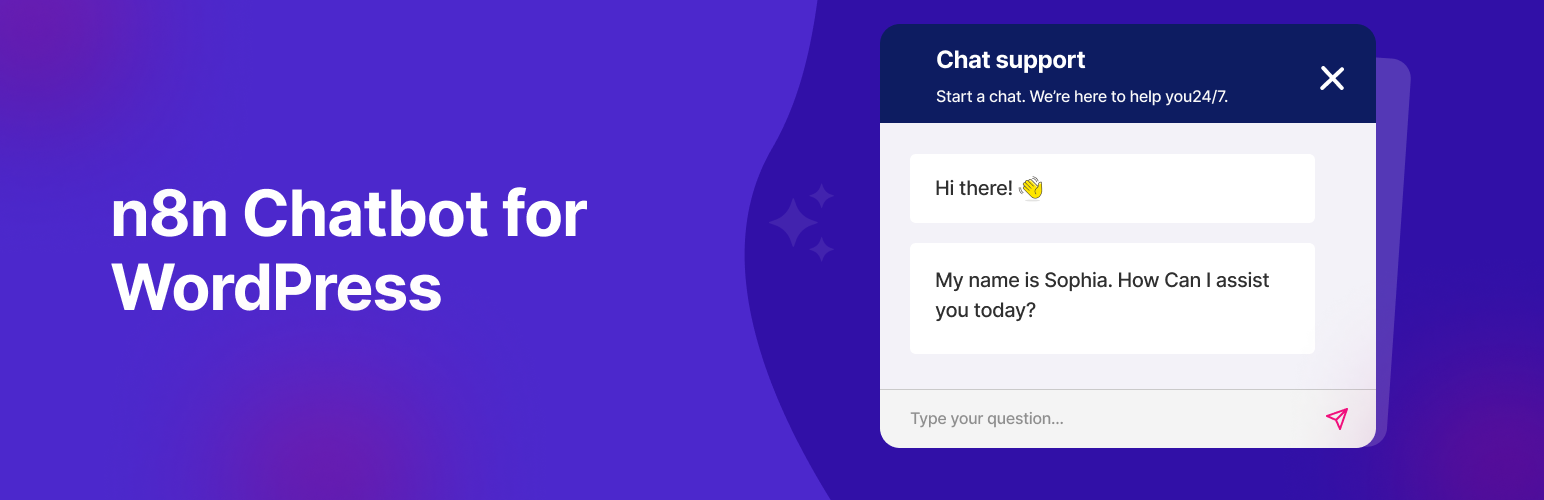
Chatics for WP allows you to embed a beautiful and customizable chat widget on your WordPress website. This chat widget connects directly to your n8n workflows through public webhooks, enabling AI chat agents, automation bots, or any conversational logic you build in n8n.
Perfect for: – AI-powered customer support chat – Automation-driven assistants – Chat widgets powered by OpenAI/GPT agents via n8n – Lead capture & CRM integration (e.g., FluentCRM, Pabbly) – Email automation – Trigger external APIs – Booking assistance via AI – Workflow orchestration
✨ Key Features – Embed any public n8n webhook into your site – Upload custom SVG or PNG icon – Customize button position (left or right) – Set your own chat title and widget color – Adjust zoom level of the chat iframe – Use WordPress media uploader for icon selection – Default fallback icon included – Show chatbot only during selected days & working hours – Clean, customizable, and easy to use – Translation-ready (with .pot support)
How to Get Your n8n Chat URL
- Set up a workflow in n8n using the Chat Trigger node.
- Connect it to an AI agent or OpenAI/GPT node.
- Enable “Make Chat Publicly Available” in the trigger node.
- Set mode to “Hosted Chat” (recommended).
- Copy the Webhook URL and paste into plugin settings.