
ChatLink for WooCommerce
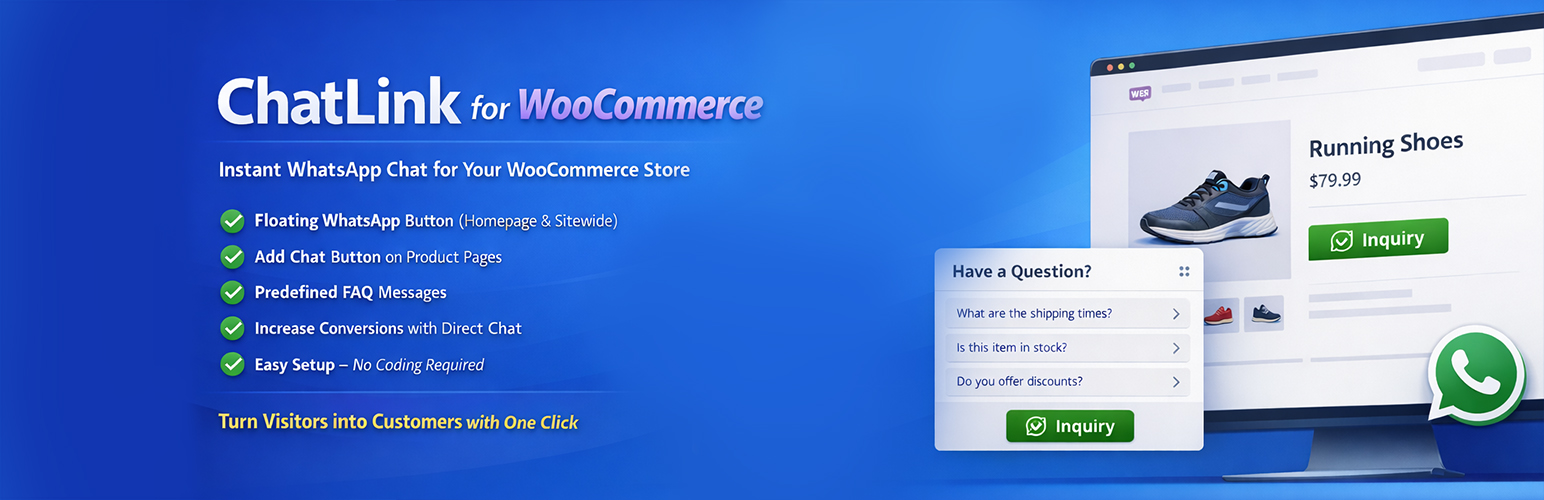
ChatLink for WooCommerce adds a customizable WhatsApp floating button to your site so visitors can start a chat in a single click. The button can open WhatsApp directly or display a small chat popup with a welcome message and quick FAQ replies.
For WooCommerce stores, ChatLink can turn products into ”inquiry by WhatsApp” items instead of using the normal cart flow. You can optionally hide add-to-cart buttons, prices, and even redirect cart/checkout to keep everything as conversation-based inquiries.
Shortcodes are included so you can drop WhatsApp buttons anywhere in your content, landing pages, or widgets. The plugin is lightweight, uses standard WordPress APIs, and is designed to work with most themes.
Key Features
- Floating WhatsApp button with position, size, color, tooltip, and animation options.
- Optional chat popup with header, welcome message, and ”Start Chat” button.
- FAQ section inside the popup with clickable questions that pre-fill WhatsApp messages.
- Device targeting: show on all devices, desktop only, or mobile only.
- Visibility rules: show on all pages or only on selected pages.
- WooCommerce product inquiry button with customizable label and message template.
- Options to hide add-to-cart, buy-now, prices, cart page, and checkout page.
- Separate controls for shop/archive pages (hide add-to-cart and/or prices).
- Custom button styles for WooCommerce (background, text color, radius, solid/outline).
- Shortcodes for inline WhatsApp buttons anywhere in posts, pages, or widgets.
- Settings export/import and full reset to defaults.
Features in Detail
Floating Button & Chat Popup
- Choose button position (bottom-right, bottom-left, top-right, top-left).
- Adjust X/Y offsets and button size so it fits your layout.
- Configure primary color, tooltip text, and entrance animation (none, bounce, pulse).
- Enable a chat popup with:
- Header title and subtitle
- Welcome message
- ”Start chat” button text
- Custom header background color
- Optional FAQ section inside the popup with unlimited question/answer pairs.
Visibility Controls
- Mode ”Show on all pages” – display the button site-wide.
- Mode ”Show only on specific pages” – select individual pages where the button will appear.
- Device filter to show on desktop only, mobile only, or both.
WooCommerce Inquiry Mode
- Enable a WhatsApp inquiry button on product pages.
- Customize the button label and WhatsApp message template using tags:
- {product}, {price}, {quantity}, {url}, {site}
- Optionally:
- Hide add-to-cart and buy-now buttons
- Hide product prices
- Hide/redirect Cart page
- Hide/redirect Checkout page
- Hide add-to-cart and prices on shop/category archives
- Choose where to place the inquiry button on the single product page:
- Before add-to-cart
- After add-to-cart
- After price
- After product summary
- Optional custom quantity field for the WhatsApp inquiry when add-to-cart is hidden.
Shortcodes
ChatLink registers two equivalent shortcodes:
[chatlink][whatsapp_button]
Supported attributes (all optional):
phone– Override the global phone number.message– Custom message text (tags like {product}, {url}, {site} are supported).label– Button text. Default:Chat on WhatsApp.style–button,link, oricon.size–small,medium, orlarge.align–left,center,right, orinline.color– Button or link color (hex).text_color– Text color (hex).radius– Border radius in pixels.icon–yesornoto show/hide the WhatsApp icon.
Examples:
[chatlink]
[chatlink label="Talk to Support" color="#000000" radius="30"]
[chatlink style="link" color="#25D366" label="Click here to chat"]
[whatsapp_button size="large" align="center" message="I need help with this page"]