
Password Reset Enforcement
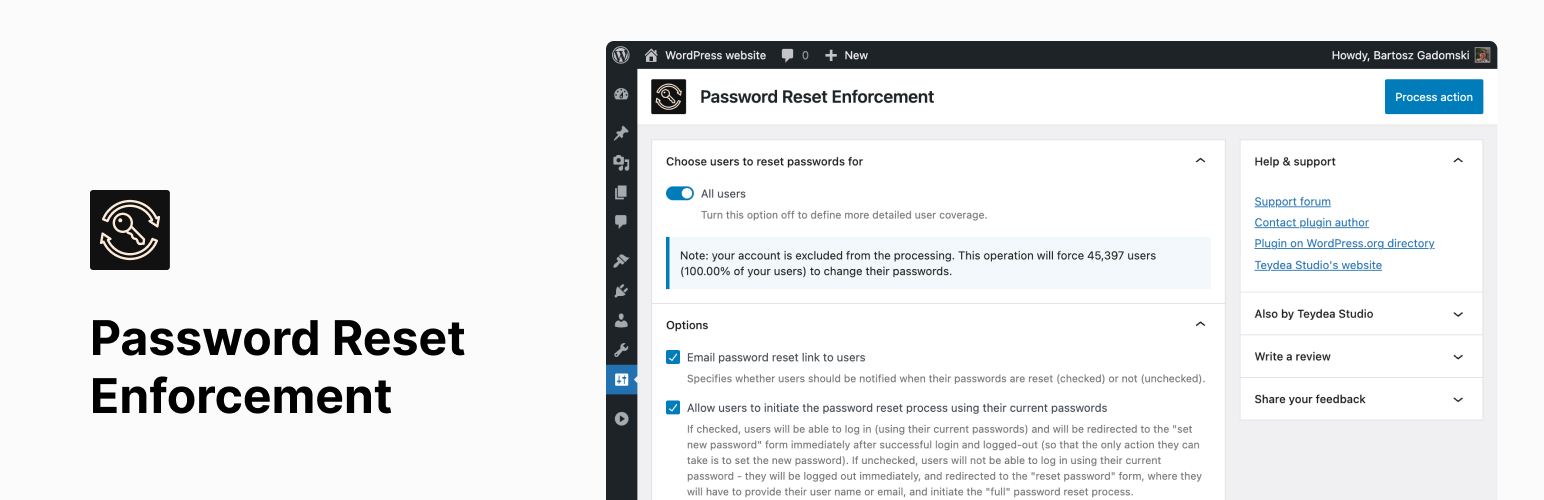
Enhance your WordPress website’s security by forcing users to reset their passwords.
Password Reset Enforcement is a simple yet powerful security plugin that allows site administrators to require users to update their passwords—ideal after a potential data breach, routine security checks, or during onboarding/offboarding processes.
Features
- Force password reset for all users, specific user roles, or individual users.
- Optional email notification to users with a direct reset link.
- Flexible login behavior:
- Allow login before resetting: users log in with the old password, are immediately prompted to set a new one.
- Block login until reset: users must reset their password before accessing the dashboard.
- Choose reset timing:
- Immediately: forces logout and password reset on next login.
- After session expiry: users are asked to reset after their current session ends.
- WP-CLI support for command-line password management and automation.
- Multisite compatible (network-wide reset only).
- Optimized for performance on large-scale and enterprise WordPress installations.
Use Cases
- Responding to a security breach or suspected compromise.
- Enforcing routine password changes in corporate environments.
- Applying onboarding/offboarding security policies for teams or membership sites.
Compatibility
- Works on both single-site and multisite (network) WordPress setups.
- Supports PHP 7.4+ and WordPress 6.6 through 6.8.
- Compatible with modern WordPress admin experience.
WP-CLI Commands
This plugin provides WP-CLI commands for automated password reset management:
Force Password Reset wp password-reset-enforcement force [—to_all] [—to_roles=] [—to_users=] [—applicability=] [—with_email] [—with_current_password_allowed] [—limit=] [—paged=]
Clear Password Reset Enforcement wp password-reset-enforcement clear [—to_all] [—to_roles=] [—to_users=] [—limit=] [—paged=]
List Users with Enforced Password Reset wp password-reset-enforcement list [—limit=] [—paged=]
Check Password Reset Status wp password-reset-enforcement status [—to_all] [—to_roles=] [—to_users=] [—limit=] [—paged=]
Command Options
--to_all: Target all users on the site--to_roles=<roles>: Comma-separated list of user roles (e.g., editor,administrator)--to_users=<user_ids>: Comma-separated list of specific user IDs (e.g., 1,5,10)--applicability=<when>: When reset takes effect (immediately, after_session_expiry)--with_email: Send email notifications to affected users (default: true)--with_current_password_allowed: Allow users to reuse current password (default: false)--limit=<number>: Maximum users to process in single operation--paged=<page>: Page number for pagination
Command Examples
wp password-reset-enforcement force --to_all
wp password-reset-enforcement force --to_roles=editor,administrator --applicability=after_session_expiry
wp password-reset-enforcement clear --to_users=1,5,10
wp password-reset-enforcement list --limit=50 --paged=2
wp password-reset-enforcement status --to_all --limit=50 --paged=2<h3>Related Plugins</h3>
Want to go beyond forced password resets? Check our WP Password Policy plugin to enforce strong password rules, block weak passwords, and set automatic expiry policies — so you’ll never need to force a password reset again. [https://wordpress.org/plugins/password-requirements/](Free version available on WordPress.org).