
WP Popular Posts
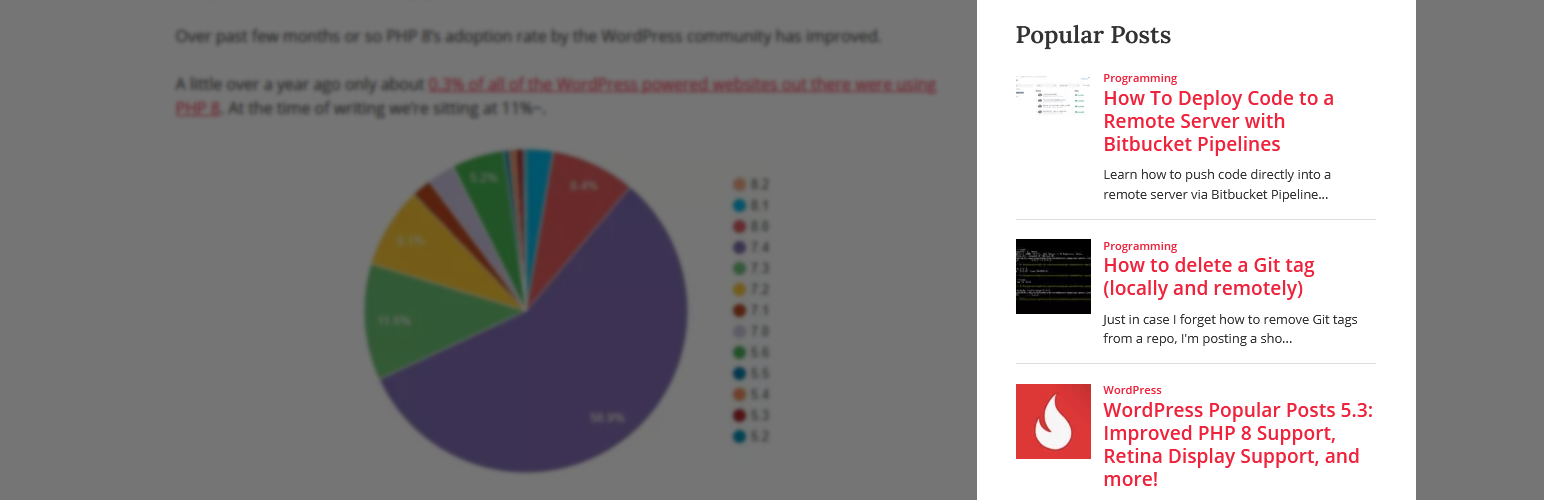
WP Popular Posts is een zeer aanpasbare plugin die je meest populaire berichten toont.
PSA: Plugin has been renamed as WP Popular Posts!
See the announcement for more details.
Belangrijkste functies
- Multiple Popular Posts Lists – You can have several Popular Posts lists on your blog, each with its own settings!
- Time Range – List those posts of your blog that have been the most popular ones within a specific time range (eg. last 24 hours, last 7 days, last 30 days, etc)!
- Ondersteuning voor aangepaste berichttypen – Wil je andere dingen laten zien dan alleen berichten en pagina’s, bijvoorbeeld populaire Producten? Dat kan!
- Thumbnails! – Display a thumbnail of your posts! (see the FAQ section for more details.)
- Statistics dashboard – See how your popular posts are doing directly from your admin area.
- Sorteeropties – Sorteer je populaire lijst op reacties, weergaven (standaard) of gemiddelde weergaven per dag!
- Custom themes – Out of the box, WP Popular Posts includes some themes so you can style your popular posts list (see Widget Themes for more details).
- Use your own layout! – WPP is flexible enough to let you customize the look and feel of your popular posts! (see customizing WPP’s HTML markup and How to style WP Popular Posts for more.)
- Performance Tools! – WP Popular Posts includes a few options to make sure your site’s performance stays as good as ever! (see Performance for more details.)
- REST API support – Embed your popular posts in your (web) app! (see REST API Endpoints for more.)
- Elementor support – Are you building sites with Elementor? There’s a popular posts widget for it too!
- Disqus ondersteuning – Sorteer je populaire berichten door Disqus reacties telling!
- Polylang & WPML 3.2+ ondersteuning – Toon de vertaalde versie van je populaire berichten!
- WordPress multisite ondersteuning – Elke site op het netwerk kan zijn eigen lijst met populaire berichten hebben!
Andere functies
- Shortcode support – Use the [wpp] shortcode to showcase your most popular posts on pages, too! For usage and instructions, please refer to the Installation section.
- Template tags – Don’t feel like using blocks? No problem! You can still embed your most popular entries on your theme using the
wpp_get_mostpopular()template tag. Additionally, thewpp_get_views()template tag allows you to retrieve the views count for a particular post. For usage and instructions, please refer to the Installation section. - Localization – Translate WPP into your own language.
- WP-PostRatings support – Show your visitors how your readers are rating your posts!
PSA: The classic WP Popular Posts widget has reached End-of-Life
The classic WP Popular Posts widget doesn’t work very well / at all with the block-based Widgets editor introduced with WordPress 5.8.
This new Widgets editor expects WordPress blocks instead of regular WordPress widgets. If you’re using the classic WP Popular Posts widget please replace it with the WP Popular Posts block instead – it has the same features and functionality as the “classic” widget so you won’t be missing anything at all. See the Migration Guide for more details.
Bjorn van wplearninglab.com was zo vriendelijk om een video te maken waarin werd uitgelegd hoe het nieuwe blok te gebruiken voor alle visuele leerlingen:
If you cannot (or do not want to) use WordPress blocks on your website then please replace your classic widget with the [wpp] shortcode.
Steun het project!
Als je mijn werk en inspanningen om meer open source projecten te maken en te onderhouden wil steunen, betekenen je donaties en steunbetuigingen veel voor me!
WP Popular Posts staat nu ook op GitHub !
Looking for a Recent Posts widget just as featured-packed as WP Popular Posts? Try Recently!
Credits
- Vlammen graphics door freevector/Vecteezy.com.