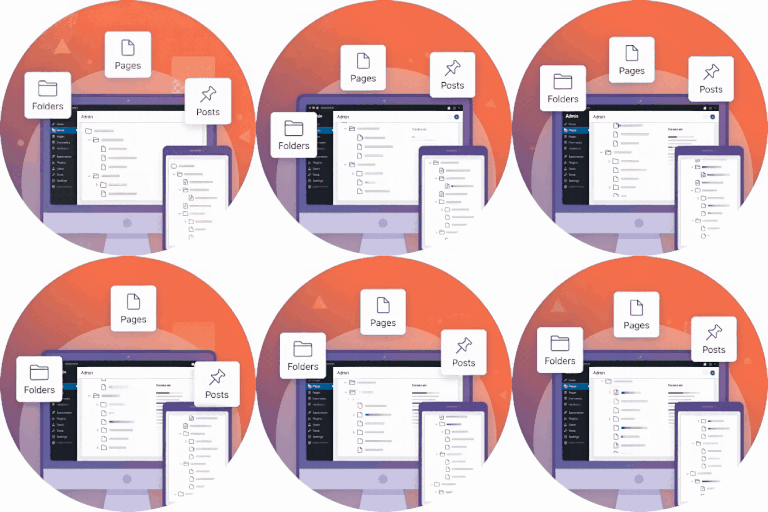
Zen Smart Folders
·
Organize your WordPress Pages & Posts into folders for better management.

Zen Smart Folders helps you organize WordPress Pages and Posts using a simple, intuitive folder structure. This is especially useful for large websites where finding content becomes difficult.
With Zen Smart Folders, you can create unlimited folders and subfolders and assign any page or post to a folder. This improves workflow, navigation, and overall content management inside the admin area.
Why this plugin?
- Keeps your WordPress admin clean and well-structured
- Helps editors and content teams quickly find content
- Works out of the box — no configuration needed
- Lightweight and does not affect your website’s front-end
What this plugin does NOT do
- It does not change your post URLs
- It does not modify categories or taxonomies
- It does not affect your front-end content Folders exist only for admin organization.
Features
- Create unlimited folders
- Assign posts and pages to folders via an easy settings
- Quickly filter list table by folder.
- Works with both Pages and Posts.
- No performance impact — fully admin-side.
How to Use
- After activation, go to Pages > All Pages or Posts > All Posts.
- On the left side, you will see a new Folders panel.
- Click Add Folder to create a new folder or subfolder.
- Select any Page/Post and assign it to a folder using the link in row actions.
Everything works automatically — no extra setup required.
From your WordPress dashboard
- Visit Plugins → Add New.
- Search for «Zen Smart Folders».
- Install and activate the plugin.
Manual Installation
- Upload the plugin folder to
/wp-content/plugins/. - Activate from Plugins → Installed Plugins.
Copyright
Zen Smart Folders, Copyright 2026 Spiraclethemes Distributed under the GNU GPL v2 or later.