
Marketify
·
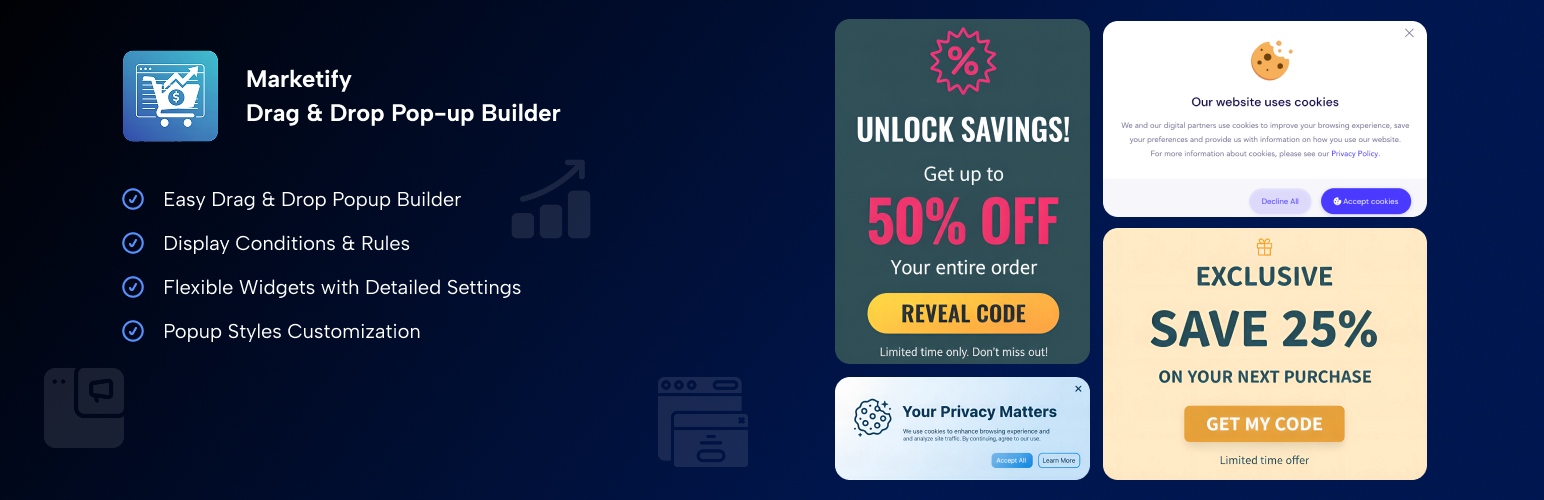
Create pop-ups for your goals using drag & drop builder and widgets. Increase visitor engagement and boost conversions.
Create pop-ups for your goals using drag & drop builder and widgets. Increase visitor engagement and boost conversions.
Marketing Activities
Marketify Pop-up & Ribbon builder will help you promote your products or inform users about events. Inside the plugin there is an easy drag&drop Builder with the necessary widgets and settings for more detailed configuration of each element.
Why you will love it
- Easy setup
- Intuitive interface
- No coding skills required
- Detailed visual customization
Key Features
- Pop-up Builder – Create pop-ups to promote promotions, subscription forms, or notifications
- Ribbon Builder – Promote your offers in the most visible place
How it works
- Install the Marketify plugin and activate it.
- Go to the plugin section and select what you want to create.
- Move the desired widgets to the canvas, configure them, save, and publish the created activity view.
The plugin allows you to display pop-ups and ribbons in different scenarios, for example: * By role * By page * Only to site visitors * When scrolling the page * After a period of time, after logging in to the site * Depending on the type of device